Make your AI
MAGIC happen!
BUILD YOUR BRILLIANCE BANK
Build your Brilliance Bank so AI can find your business knowledge, follow your voice and help you create more consistent work. In this live, two-hour workshop, you’ll build it on your own computer and use it to create a social post for your business.

Your knowledge. Your voice. Your business, unmistakably you.
Saturday, November 7, 2026
10 a.m. to noon Pacific · Live on Zoom
First workshop price: $97 one-time. Replay included for all participants.
Your business, organized.
Your AI, better informed.
See the difference between regular chat on its own and using AI with your Brilliance Bank.
What you want AI to do
Regular chat on its own
With your Brilliance Bank
Organize your business
Your business knowledge is scattered across conversations, documents and tools.
Your business facts, offers, voice and reusable work have an organized home that you and AI can search.
Understand your business
You repeat your background or paste information into new conversations.
AI can search your prepared business information when given access.
Write in your voice
You explain your style again and hunt for examples.
Your voice guidance and writing examples are together for AI to reference.
Use current offers and facts
Details can be scattered across conversations, making older information easy to reuse.
AI organizes your approved business details in one place and saves new information as you work.
Build on previous work
You scroll through chats to find useful ideas and approved content.
Organized files help AI find and build on work you want to reuse.
Help with different projects
Each project can require another round of background explanations.
The same business knowledge can support social posts, emails, planning and other projects.
Switch AI tools
Useful context can remain inside the original tool’s conversations.
Your files stay under your control and can be used by other AI tools that support file access.
Keep your work consistent
Separate conversations may work from different information.
A shared set of references gives AI a more consistent starting point.
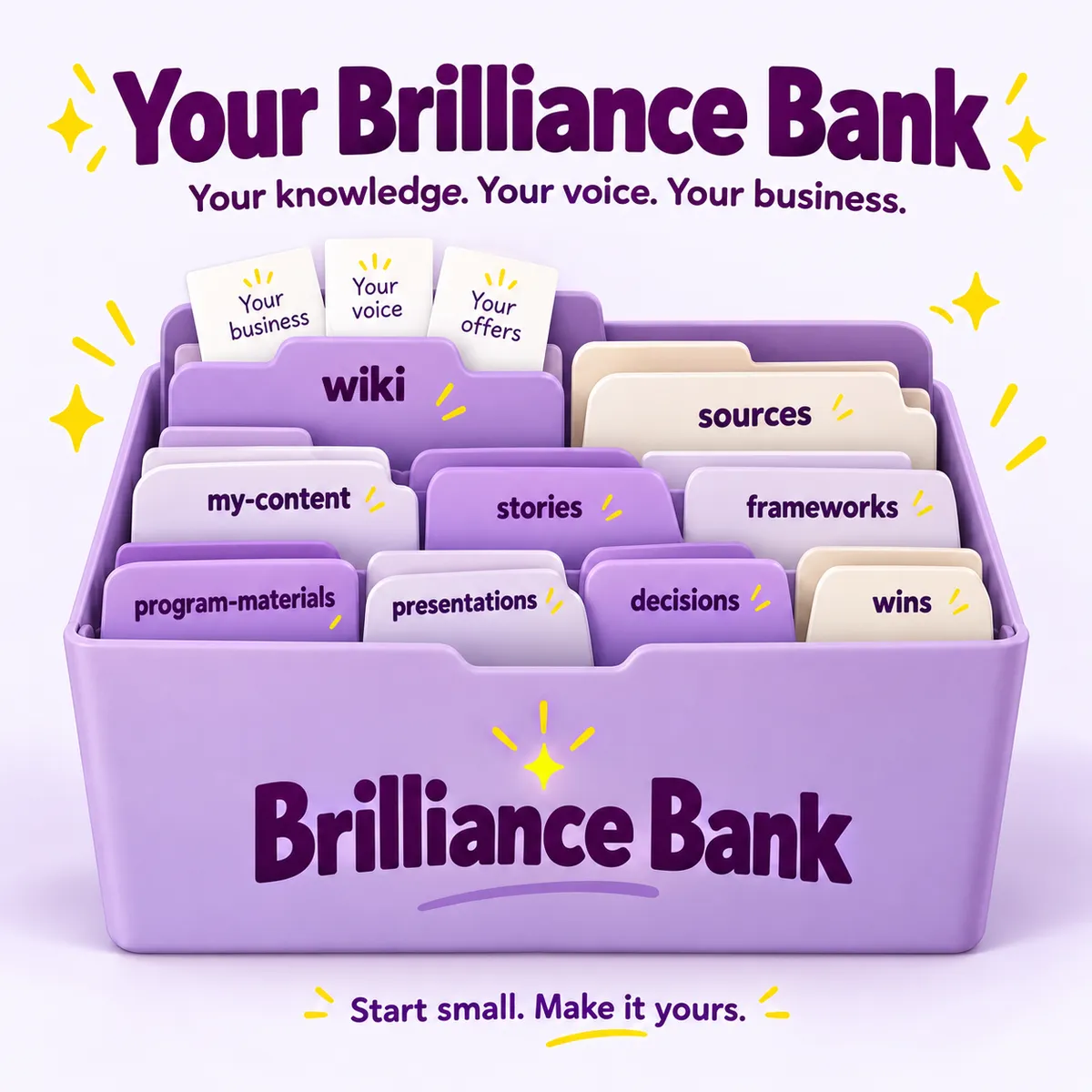
Your Brilliance Bank gives AI better information to work with. You still provide direction, review the results and decide what sounds like you.
Build Your Brilliance Bank with me
I’m Dotty Scott, and I’ll show you how I use my Brilliance Bank to put my business knowledge to work with AI.
Your Brilliance Bank brings together your business facts, voice, offers and examples so AI can find and use the right information for the task.
You’ll install a setup skill, a guided tool that creates your Brilliance Bank on your computer. Then you’ll add the business information you prepared before class.
In class, you’ll create one social post using your Brilliance Bank. Afterward, use the same business knowledge and voice guidance for emails, offer descriptions, planning and other projects in AI tools that can read your files.
You remain the person who knows your business and decides what’s right.
This is how AI MAGIC happens!
Your knowledge, your voice and your offers give AI something meaningful to work with. Your Brilliance Bank brings those pieces together so AI can find what it needs, and you can spend less time explaining and more time creating.
The bank stays with you, so your next project can build on what you’ve already prepared.
Your business, organized.
Your AI, better informed.
See the difference between regular chat on its own and using AI with your Brilliance Bank.
Organize your business
Regular chat
Your business knowledge is scattered across conversations, documents and tools.
With your Brilliance Bank
Your business facts, offers, voice and reusable work have an organized home that you and AI can search.
Understand your business
Regular chat
You repeat your background or paste information into new conversations.
With your Brilliance Bank
AI can search your prepared business information when given access.
Write in your voice
Regular chat
You explain your style again and hunt for examples.
With your Brilliance Bank
Your voice guidance and writing examples are together for AI to reference.
Use current offers and facts
Regular chat
Details can be scattered across conversations, making older information easy to reuse.
With your Brilliance Bank
AI organizes your approved business details in one place and saves new information as you work.
Build on previous work
Regular chat
You scroll through chats to find useful ideas and approved content.
With your Brilliance Bank
Organized files help AI find and build on work you want to reuse.
Help with different projects
Regular chat
Each project can require another round of background explanations.
With your Brilliance Bank
The same business knowledge can support social posts, emails, planning and other projects.
Switch AI tools
Regular chat
Useful context can remain inside the original tool’s conversations.
With your Brilliance Bank
Your files stay under your control and can be used by other AI tools that support file access.
Keep your work consistent
Regular chat
Separate conversations may work from different information.
With your Brilliance Bank
A shared set of references gives AI a more consistent starting point.
Your Brilliance Bank gives AI better information to work with. You still provide direction, review the results and decide what sounds like you.
Build Your Brilliance Bank with me
I’m Dotty Scott, and I’ll show you how I use my Brilliance Bank to put my business knowledge to work with AI.
Your Brilliance Bank brings together your business facts, voice, offers and examples so AI can find and use the right information for the task.
You’ll install a setup skill, a guided tool that creates your Brilliance Bank on your computer. Then you’ll add the business information you prepared before class.
In class, you’ll create one social post using your Brilliance Bank. Afterward, use the same business knowledge and voice guidance for emails, offer descriptions, planning and other projects in AI tools that can read your files.
You remain the person who knows your business and decides what’s right.
This is how AI MAGIC happens!
Your knowledge, your voice and your offers give AI something meaningful to work with. Your Brilliance Bank brings those pieces together so AI can find what it needs, and you can spend less time explaining and more time creating.
The bank stays with you, so your next project can build on what you’ve already prepared.
What people say about learning with Dotty
From past AskDotty learning and client experiences.

“After working with Dotty, I learned better ways to write with AI that require less time and effort.”
Jason “Fluffy” Hottel
Google review

“Just as importantly, she has a wonderful ability to create spaces where people feel safe, supported, and comfortable asking questions.”
Pam Holland
Google review

“If you ever get a chance to see a webinar from Dotty, take it. You will find it on point and full of instantly usable information.”
Dave Sutton
Google review
First you’ll see it. Then you’ll do it.
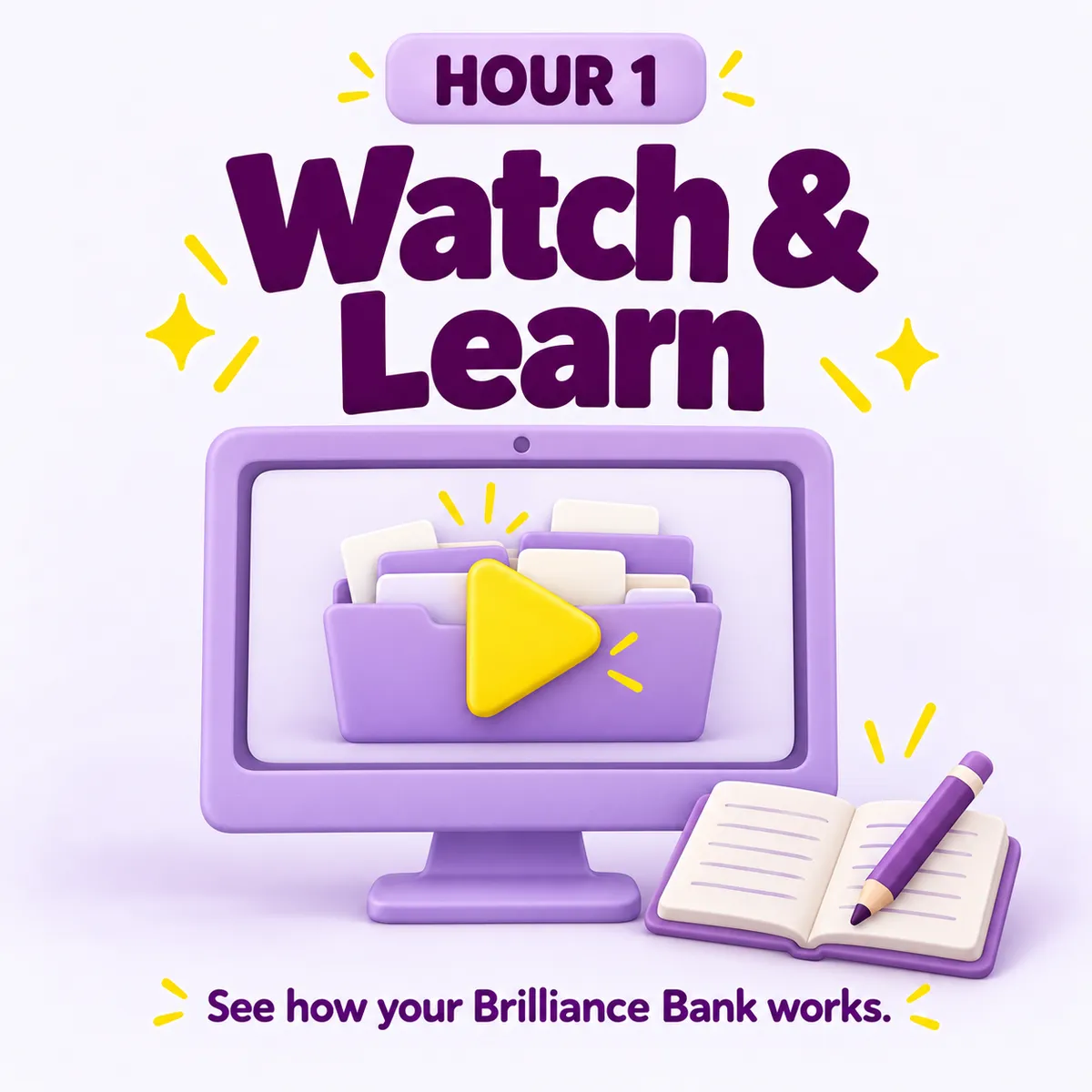
Hour one: See how your Brilliance Bank works
See how the business information you gathered before class fits into your Brilliance Bank. I’ll walk you through the setup skill and participant guide, then demonstrate how AI searches your bank and uses your knowledge, voice and offers for a real business task. You’ll have opportunities to ask questions as we go. You’ll also learn how to use that same knowledge across AI tools, so switching tools doesn’t mean rebuilding your business information from scratch.
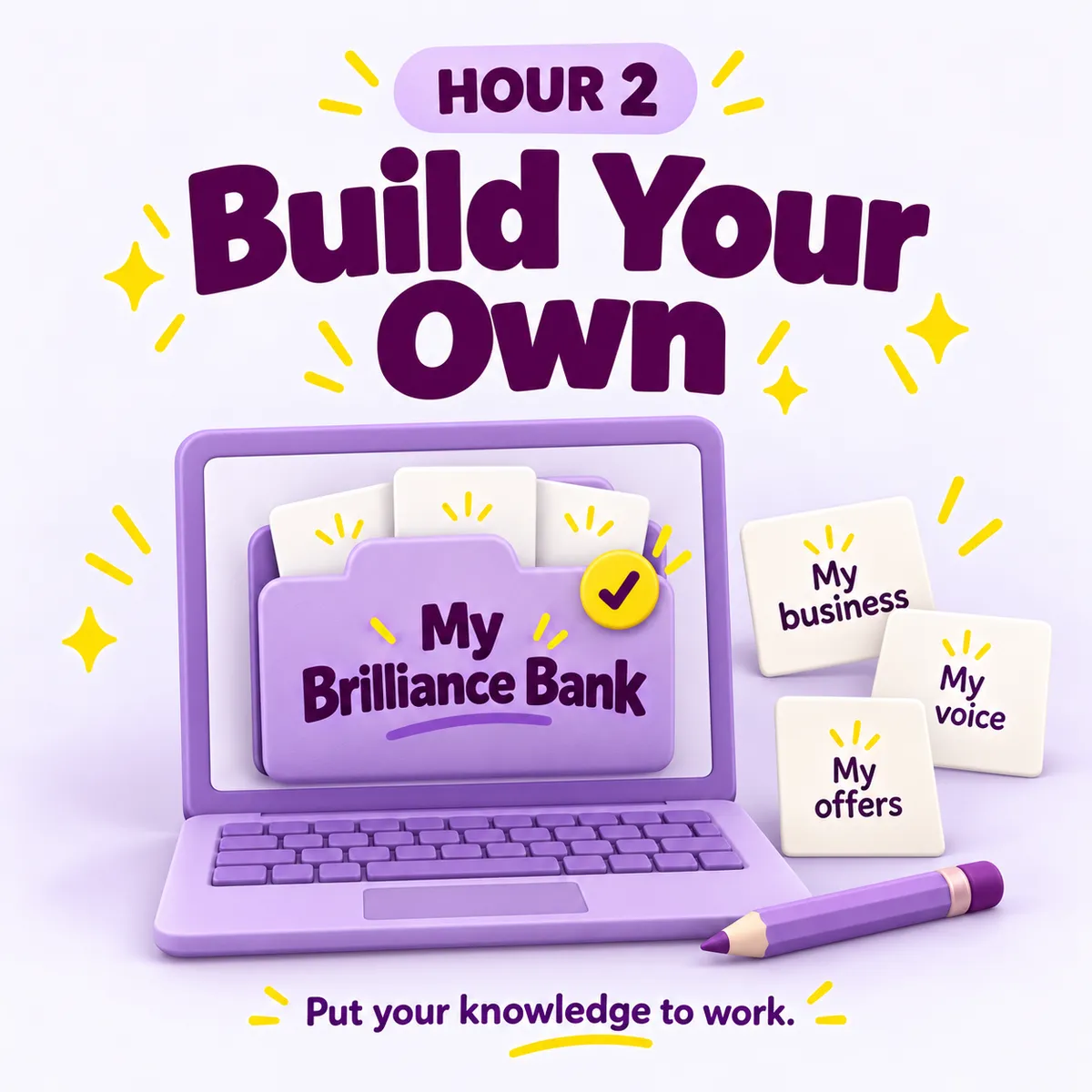
Hour two: Build your own Brilliance Bank
You’ll install the setup skill that builds your Brilliance Bank on your own computer, then add the business information you prepared before class. Together, we’ll use your Brilliance Bank to create a social post based on your business knowledge, offers and voice, with time to ask questions while you work through the process.
Leave with your own Brilliance Bank, ready to use.
Your Brilliance Bank built on your computer, with your business facts, audience and offers.
Your voice guidance and writing examples, organized for AI to reference.
A social post created using your Brilliance Bank.
A Brilliance Bank that grows as AI saves and organizes your approved work.
“Please don’t give me another system to keep up with.”
Your Brilliance Bank is here to make life easier.
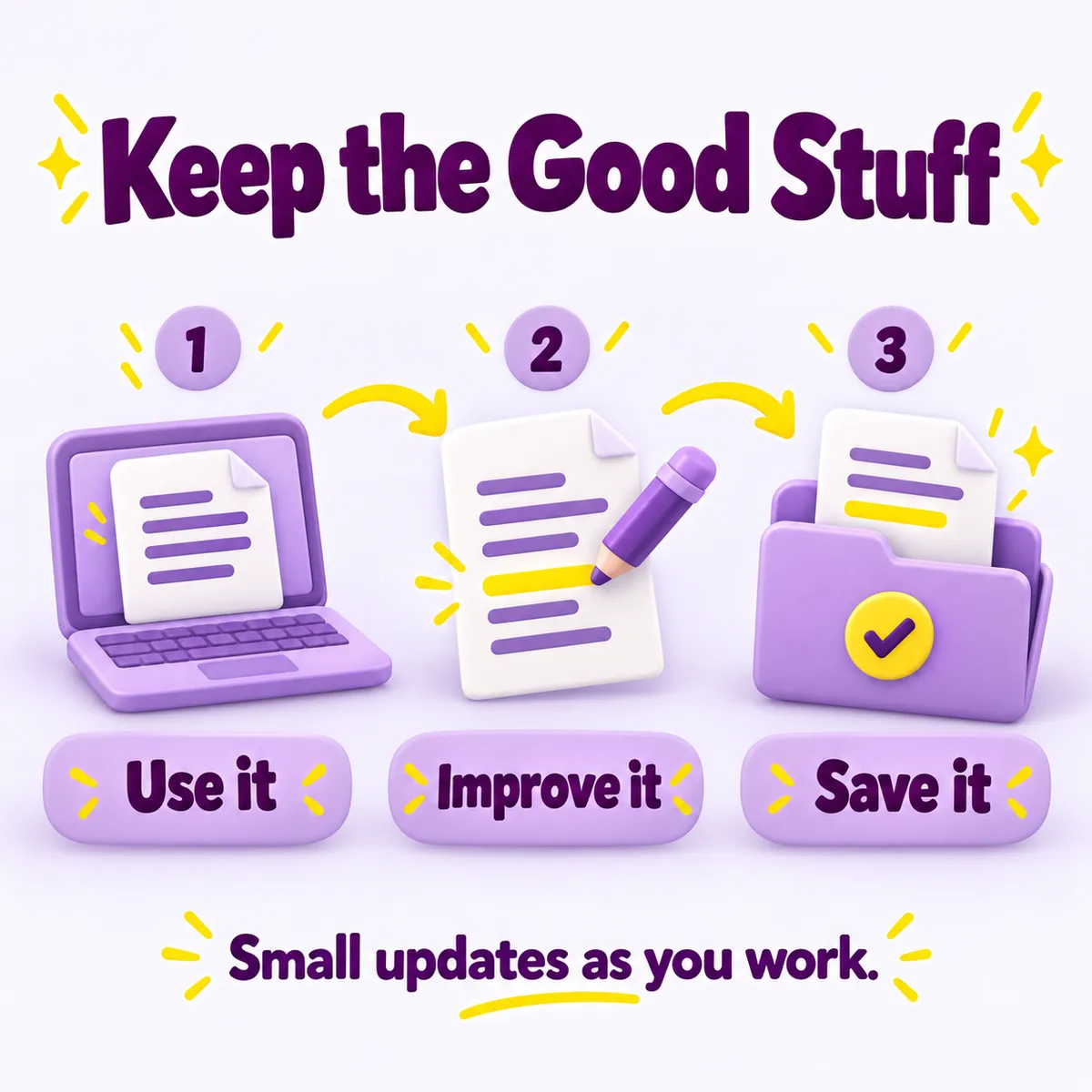
The setup skill builds your Brilliance Bank on your computer. As you create and approve work with AI in your bank, AI handles saving, organizing and linking those new assets for you.
Your social posts, ideas and other approved work become part of the knowledge AI can draw from next time. Your Brilliance Bank grows through the work you’re already doing.
No separate filing routine. No need to remember where everything belongs. You focus on your business while AI keeps your approved work organized and easy to find.
Your $97 gives you the workshop
and the materials to revisit it
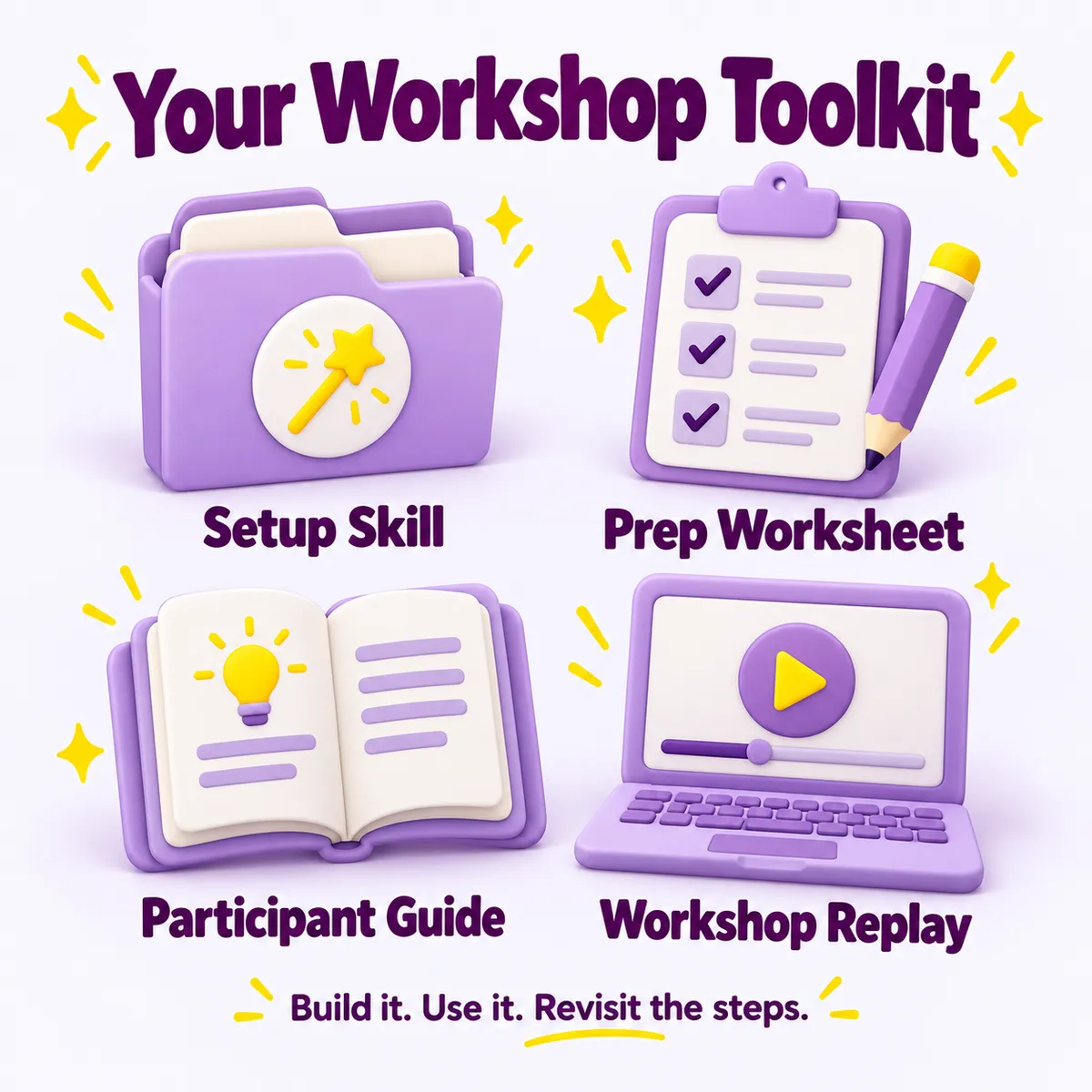
Two hours live with Dotty: One hour of explanation and demonstration, followed by one hour to build on your own computer, with opportunities to ask questions as you work.
Standalone preparation worksheet: Gather your business details, voice examples and social-post idea before class, without needing a portal course.
Participant guide: Shared during class, with explanations, steps and practice prompts to use during the workshop and afterward.
Workshop replay: Every participant receives it, so you can pause, repeat and revisit the process.
First workshop price: $97 one-time. Any required AI subscription is separate. No membership is required.
Meet your guide: Dotty Scott
I’m the founder of AskDotty and Premium Websites. I help small business owners make sense of digital tools and put them to practical use.
You’ll learn the Brilliance Bank approach I use with AI, with explanations built around the work you want to do in your business.


Here’s what a past AskDotty reviewer said about learning with me:
“I struggle with technology and Dotty has the skills to break down each situation into small enough steps for me to absorb them and the patience to repeat the process until I am able to make it work for me.”
Carol Vincie
UpCity review
Before you decide
Is this for someone who’s brand new to AI?
This workshop is designed for business owners who have already used AI and want more consistent help with their business knowledge, voice and offers. For this workshop, you’ll need a paid ChatGPT account and the desktop app downloaded to your laptop or desktop. No coding is required.
Your pre-class preparation document will walk you through downloading the app and getting everything ready, step by step.
What do I need to prepare?
You’ll receive a pre-class preparation document explaining what to have ready before the workshop. It will guide you through completing the business-and-brand worksheet, choosing two or three examples of your writing, and gathering the information for a social post. Use business information you have permission to use, and follow the document’s guidance about sensitive material.
Why pay instead of following a free tutorial?
You can follow a tutorial on your own. In this workshop, you’ll see the process, ask questions and apply it to your own business while I’m there to guide you. The second hour is time to build your Brilliance Bank and use it, rather than adding another video to your watch-later list. You’ll also receive the guide and replay to revisit the steps.
Will this work with my existing system, and will AI remember it automatically?
You can build your Brilliance Bank around existing business files while preserving them. You’ll learn to point AI toward the relevant information and check that it can find what it needs. You still provide direction and review what AI creates.
What happens if I can’t attend or my setup isn’t ready?
All participants receive a replay, the installable SKILL, and the Google doc with instructions. If local folder access isn’t working, you can observe the demonstration, but hands-on completion requires a working setup.
Let’s put your knowledge to work.
Your business facts. Your voice. Your offers. Your good examples.
Bring those pieces to Build Your Brilliance Bank, and put them to work with the process in front of you, time to build and opportunities to ask questions.
Saturday, November 7, 2026
10 a.m. to noon Pacific · Live on Zoom
$97 one-time · Replay included for all participants
Your knowledge. Your voice. Your business, unmistakably you.
Attend online via Zoom from your laptop or desktop. You’ll receive a pre-class preparation document to gather your business information and check your ChatGPT/Codex setup. Your Zoom link will be emailed to you. All sales are final. No refunds.